
How to Use the QR Guide
-
Open your phone’s camera app.
-
Point your camera at the QR code.
-
Tap the link notification that appears.
-
The corresponding Smile Fusion page or resource will open automatically.
Each QR code connects directly to a specific Smile Fusion resource.
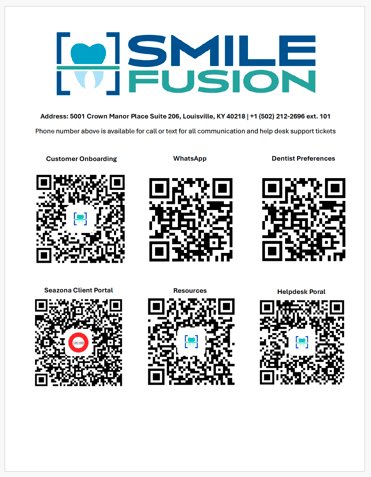
QR Code Resources
Customer Onboarding
Access the Smile Fusion onboarding page where your practice can complete the required setup steps and view onboarding instructions.
This page includes:
-
New user setup
-
Onboarding instructions
-
Initial resources to get started with Smile Fusion services
WhatsApp Communication Channel
Scan this QR code to join your practice’s Smile Fusion WhatsApp communication group.
This channel allows your team to:
-
Communicate quickly with the Smile Fusion team
-
Ask questions
-
Receive updates about cases or processes
Dentist Preferences
The Dentist Preferences form allows dentists to communicate their clinical preferences directly to Smile Fusion.
This helps ensure:
-
Consistent lab results
-
Alignment with doctor preferences
-
Improved quality and turnaround efficiency
LabZona Client Portal
The LabZona Client Portal is where your practice can manage lab cases.
Through the portal you can:
-
Track cases and order status
-
View order dates and due dates
-
Communicate with the lab regarding specific cases
-
Monitor case progress
Resources Library
The Smile Fusion Resources page provides educational and operational materials for your practice.
Resources may include:
-
Training materials
-
Process guides
-
Helpful documentation
-
Onboarding videos
Helpdesk Portal
The Helpdesk Portal allows your practice to submit and track support requests.
You can use the helpdesk for:
-
Technical support
-
Order questions
-
Process assistance
-
General service requests
Once a ticket is submitted, you can track the progress and responses directly in the portal.
Need Help?
If you need assistance, you can contact Smile Fusion through any of the following methods:
Phone or Text:
+1 (502) 212-2696 ext. 101
This number is available for communication and help desk support requests.